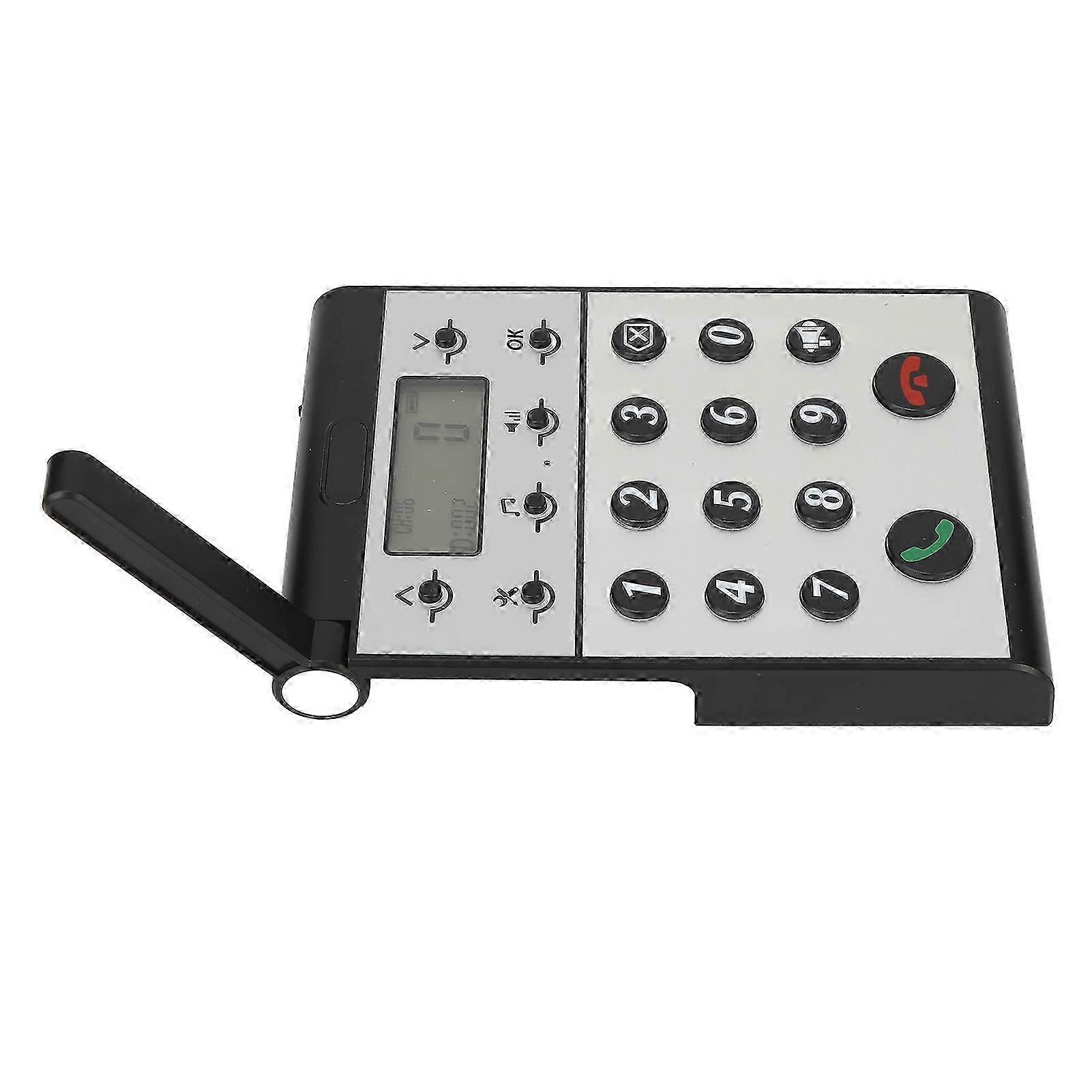
Wireless Intercom System for Home Two Way Talk 2km Range LCD Screen Group Calls Room To Room Master Intercom

€ 54,00
+ € 10,99 Verzending

Wireless Intercom System for Home Two Way Talk 2km Range LCD Screen Group Calls Room To Room Master Intercom

  • Merk: Unbranded
Verkocht door:

Wireless Intercom System for Home Two Way Talk 2km Range LCD Screen Group Calls Room To Room Master Intercom

  • Merk: Unbranded

€ 54,00

Bespaar € 25,00 (31%)

Adviesprijs

€ 79,00
Op voorraad
+ € 10,99 Verzending

14-dagen retourbeleid

Verkocht door:

€ 54,00

Bespaar € 25,00 (31%)

Adviesprijs

€ 79,00
Op voorraad
+ € 10,99 Verzending

14-dagen retourbeleid

We accepteren de volgende betalingsmethoden

Beschrijving

Wireless Intercom System for Home Two Way Talk 2km Range LCD Screen Group Calls Room To Room Master Intercom

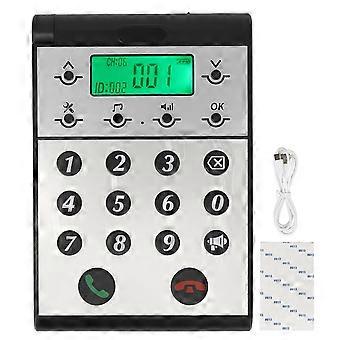
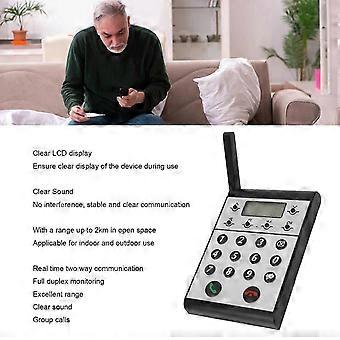
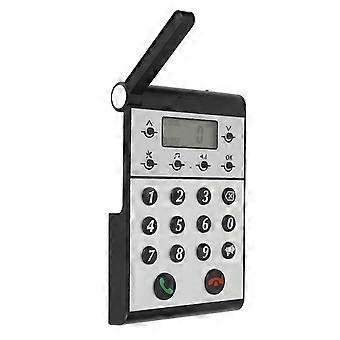
Description Wireless Intercom System for Home Two Way Talk 2km Range LCD Screen Group Calls Room To Room Master Intercom Item Type: Wireless Intercom Maerial: ABS Built in Battery: 2000mAh Lithium ion Battery Volume Level: 7 Levels Communication Distance: Up to 2km in open space Host to Host Intercom: All hosts can call each other Host to Sub intercom: Host can call sub intercoms How e Step One: Setting the ID Number for the Host 1. Press and hold the Settings key for 3 seconds until a beep is heard. 2. The screen will display 1. 3. Press the OK key and ID: 999 will begin to flash. 4. Use the keypad to input the desired ID number (0 is between 1 and 998). 5. Press OK to confirm and an audible dudu sound will indicate that the ID number has been set successfully. Step Two: Setting the Same Channel CH for the Host 1. Press and hold the Settings key for 3 seconds until a beep is heard. 2. Press the upward arrow key ^ once and the screen will switch from 1 to 2. 3. Press OK and CH: 01 will begin to flash. 4. Use the upward or downward v arrow key to adjust the channel CH, selecting a channel number between 01-20. 5. Press OK to confirm and an audible dudu sound will indicate that the channel CH has been set successfully. Step Three: Setting the Same Password for the Host 1. Press and hold the Settings key for 3 seconds until a beep is heard. 2. Press the upward arrow key ^ once more and the screen will switch from 1 to 3. 3. Press OK and 000 will begin to flash. 4. Use the keypad to input the desired password, a three-digit number between 001-999. 5. Press OK to confirm and an audible dudu sound will indicate that the password has been set successfully.
  • Fruugo-ID: 408645431-865767100
  • EAN: 8936090420966

Productveiligheidsinformatie

Raadpleeg de onderstaande productveiligheidsinformatie die specifiek is voor dit product

De volgende informatie wordt verstrekt door de onafhankelijke externe detailhandelaar die dit product verkoopt.

Productveiligheidslabels

CE Mark
Veiligheidswaarschuwingen: WARNING! NOT TO BE EXPOSED TO INFANTS AND CHILDREN, MAY CAUSE CHOKING!
Ingrediënten: Octinoxate 6.5%

Levering & retouren

Wordt binnen 24 uur verzonden

  • STANDARD: € 10,99 - Levering tussen wo 24 december 2025–wo 31 december 2025

Verzending vanaf China.

We doen ons best om ervoor te zorgen dat de producten die u bestelt volledig en volgens uw specificaties bij u worden afgeleverd. Mocht u echter een onvolledige bestelling ontvangen of andere artikelen dan degene die u heeft besteld, of als er een andere reden is waarom u niet tevreden bent met de bestelling, dan kunt u de bestelling retourneren, of welk product dan ook die bij de bestelling was inbegrepen, en ontvangt u een volledige terugbetaling voor de artikelen. Bekijk het volledige retourbeleid